Relaygate in the addon configuration UI
End users configure Relaygate inside your addon’s settings. This page lists what to collect from them, and how we recommend you present it on the configuration page.
Information to collect from the user
- Debrid provider: whether the user chose Relaygate (vs a direct debrid service).
- Relaygate user proxy API key: the proxy key they use with Relaygate.
- Which debrid providers they use through Relaygate: one or more selections corresponding to entries they keep in their Relaygate provider vault as multiselect values that map to Relaygate’s debrid provider identifiers.
- Optional Relaygate base URL: if it's empty, use the default public Relaygate endpoint; set only when the user targets a different deployment (e.g. self-hosted).
Recommended configuration layout
Use a single panel or stepped flow. Show Relaygate-specific fields only after the user selects Relaygate as the debrid provider; hide or disable them for other providers.
Common paths for users:
| Page | Path | Purpose |
|---|---|---|
| Proxy API keys | /proxy-keys | Create, label, and copy user proxy API keys |
| Provider vault | /provider-vault | See and manage upstream debrid credentials stored in Relaygate |
Full URL pattern: {workspaceOrigin}/proxy-keys and {workspaceOrigin}/provider-vault.
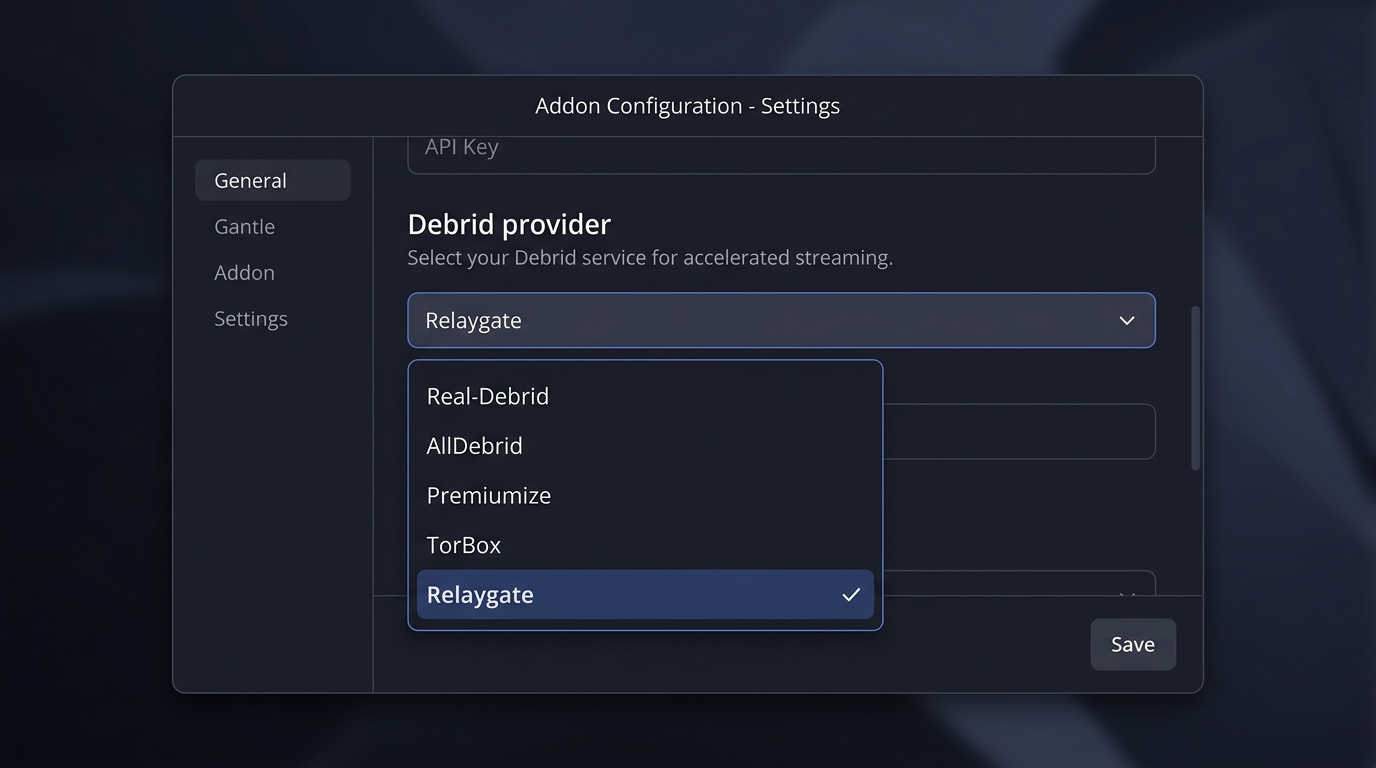
1. Provider selection
Show Relaygate alongside other debrid options (Real-Debrid, AllDebrid, TorBox, etc.). No need to show the sections below until Relaygate is selected.
2. Proxy API key
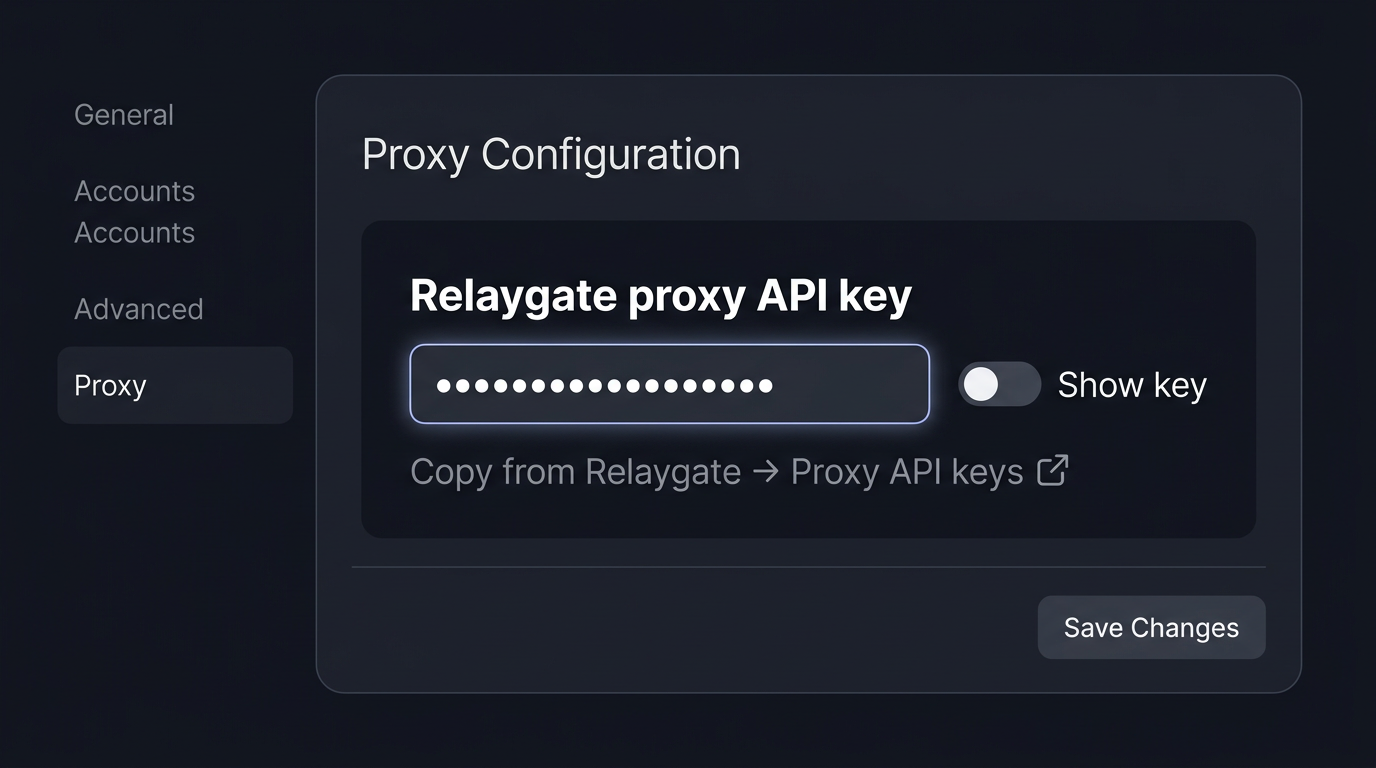
- Masked input (treat the key like a password); optional Show key button for accessibility.
- A helper line with a link to
{workspaceOrigin}/proxy-keys(open in a new tab) so users can open Relaygate and copy the key.
3. Vault-aligned providers (multiselect)
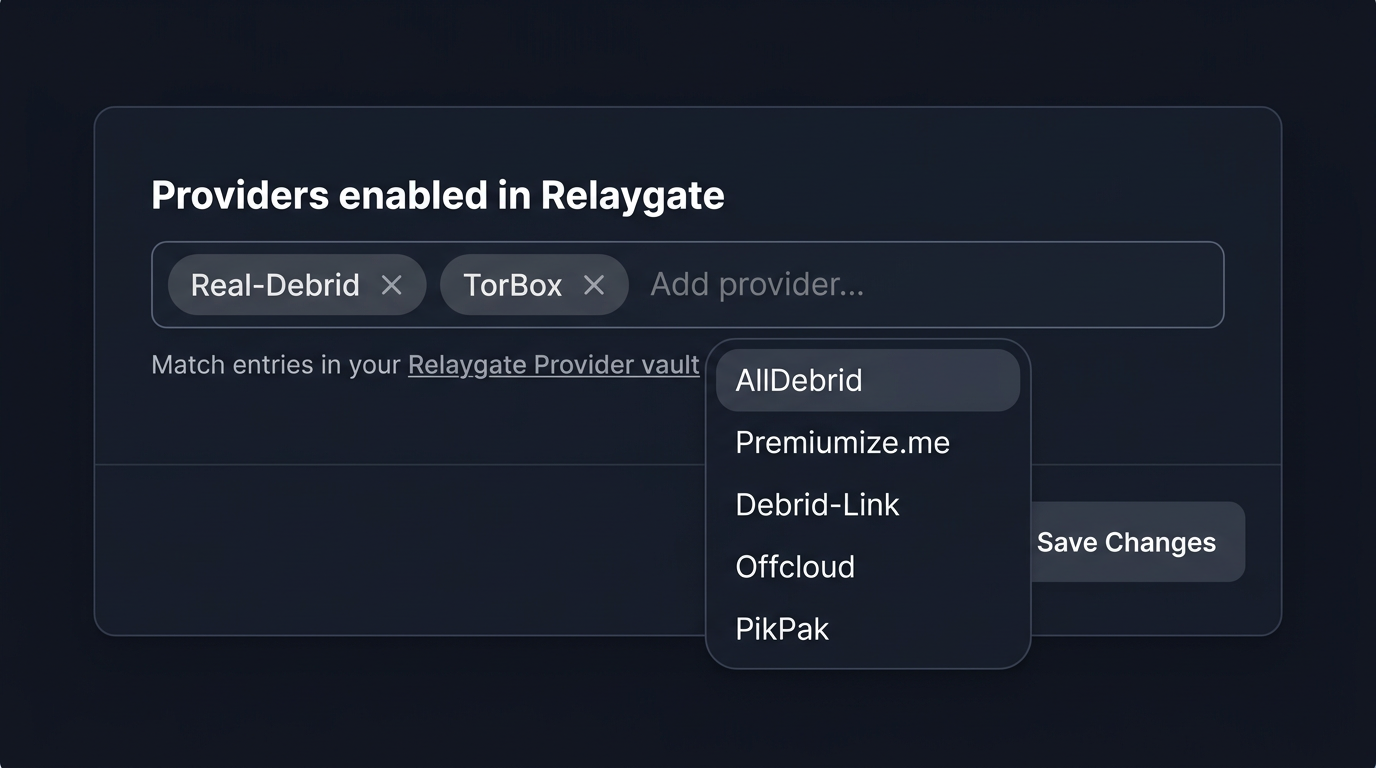
Users may have several upstream providers in Relaygate; the addon should let them pick which of those this integration may use. Use a multiselect (tags, checklist, or multi-select dropdown)—not a single-select—unless your addon intentionally supports only one provider at a time.
Add a link to {workspaceOrigin}/provider-vault and a short line of help (e.g. which vault entries apply). Persisted values should match Relaygate provider slugs expected by the gateway; see the Relaygate API specification and Canonical API.
4. Advanced: optional base URL
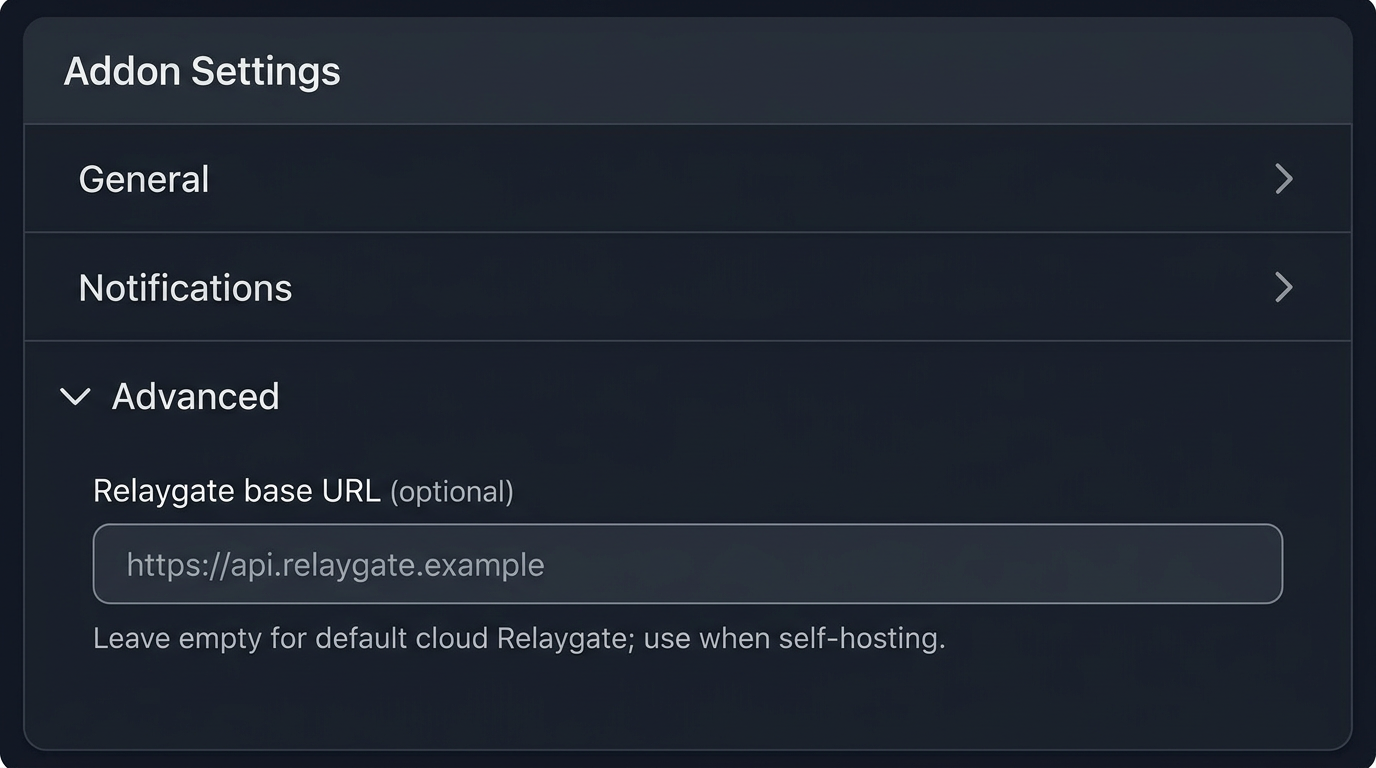
Put this in a collapsible Advanced or Self-hosted block so casual users are not confused.
- Optional URL field; placeholder such as
https://relaygate.example. - Help text: leave empty to use the official Relaygate API base; set when using self-hosted or another deployment.
- Validate HTTPS for production; normalize trailing slashes. When this field is set, use it for gateway requests and for building
/proxy-keysand/provider-vaultlinks as above.
Practical notes
- Secrets: Do not log the proxy key; it is the user's secret API key. Store it like other sensitive configuration.
For authentication and headers on requests, see the Relaygate API specification and Canonical API.